
Hana Games
Delete your account
Request account deletion in Arcade Tycoon: World Tour, confirm your choice and check that the request was received.
Deletion can only be requested inside the game.
Arcade Tycoon: World Tour · Hana Games
Open Settings
Open the game and tap the gear icon to open Settings.
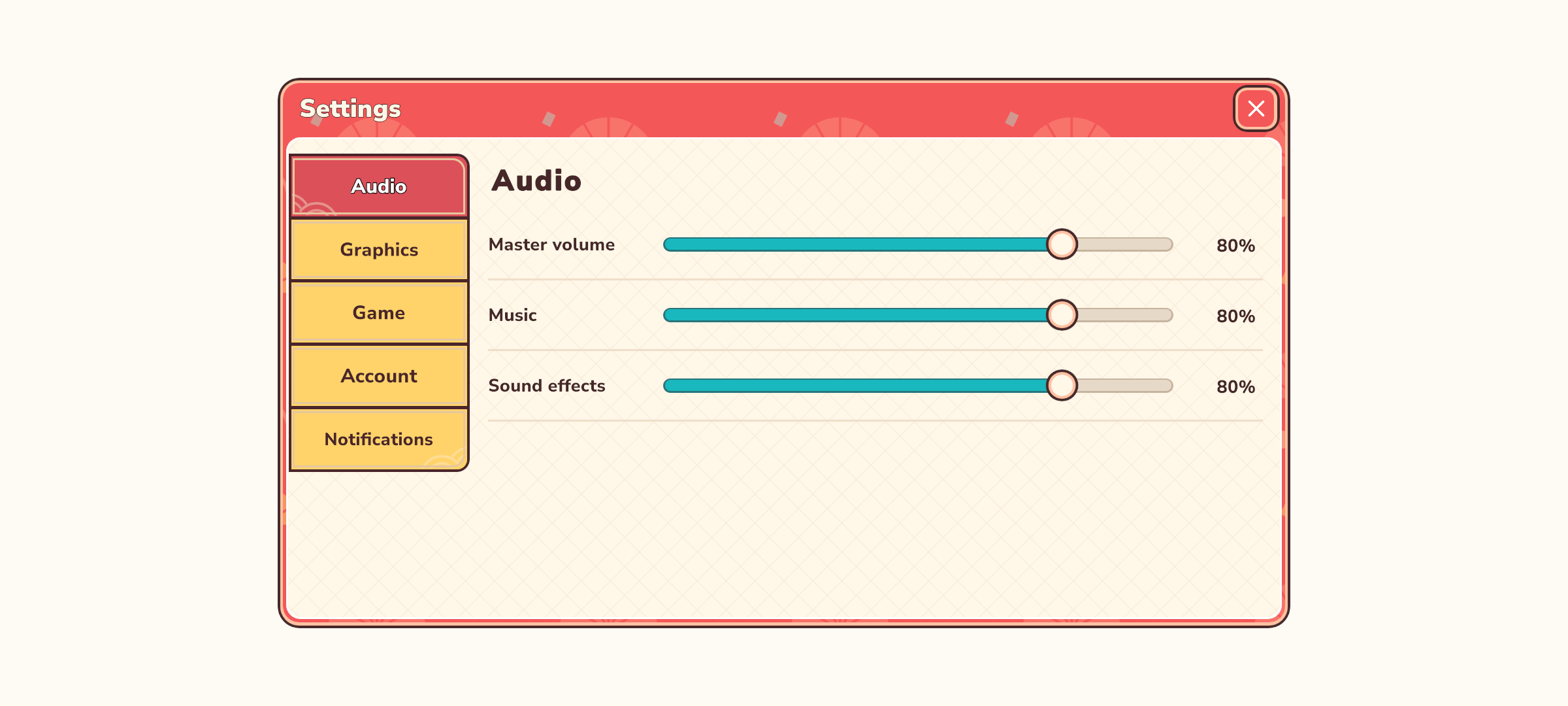
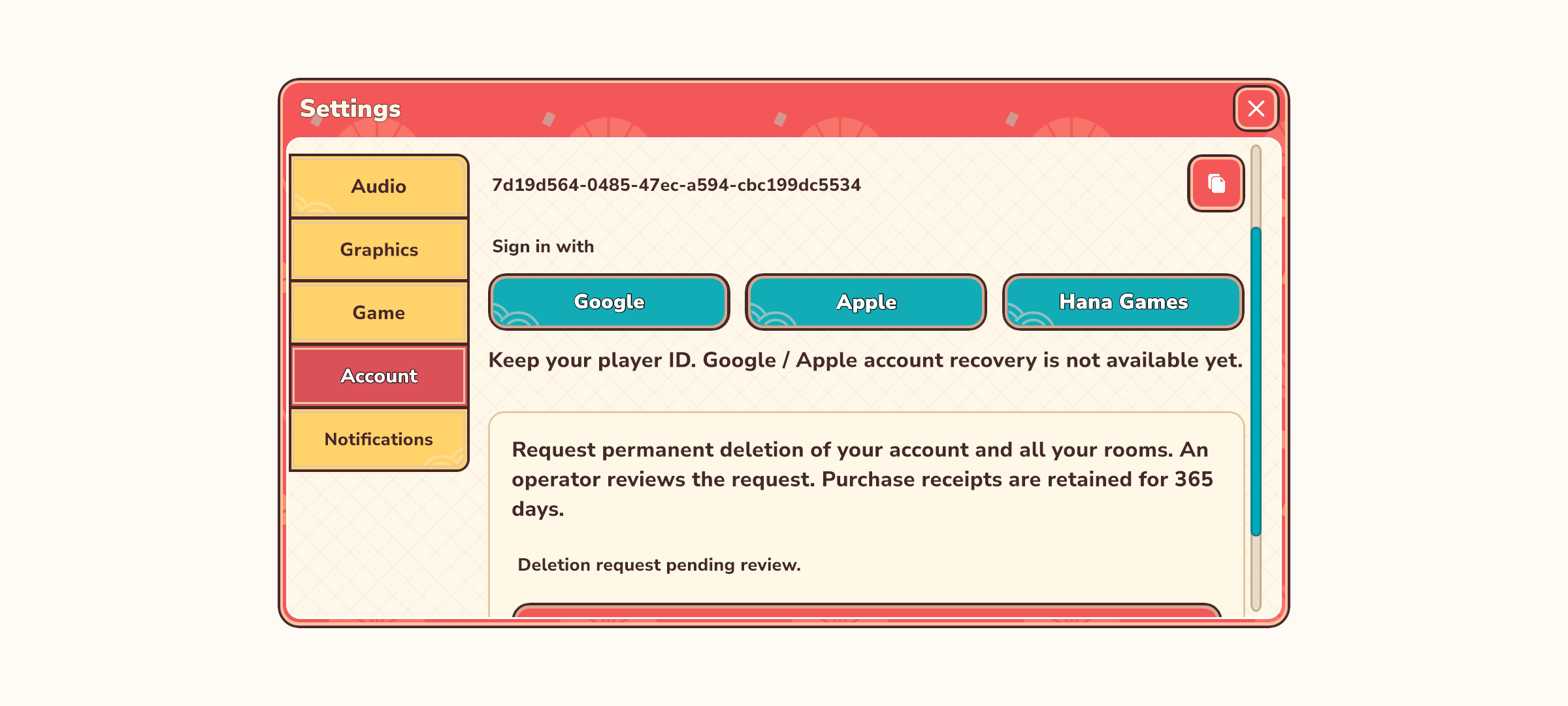
Open Account
Select the Account tab and check that you are signed in to the account you want to delete.
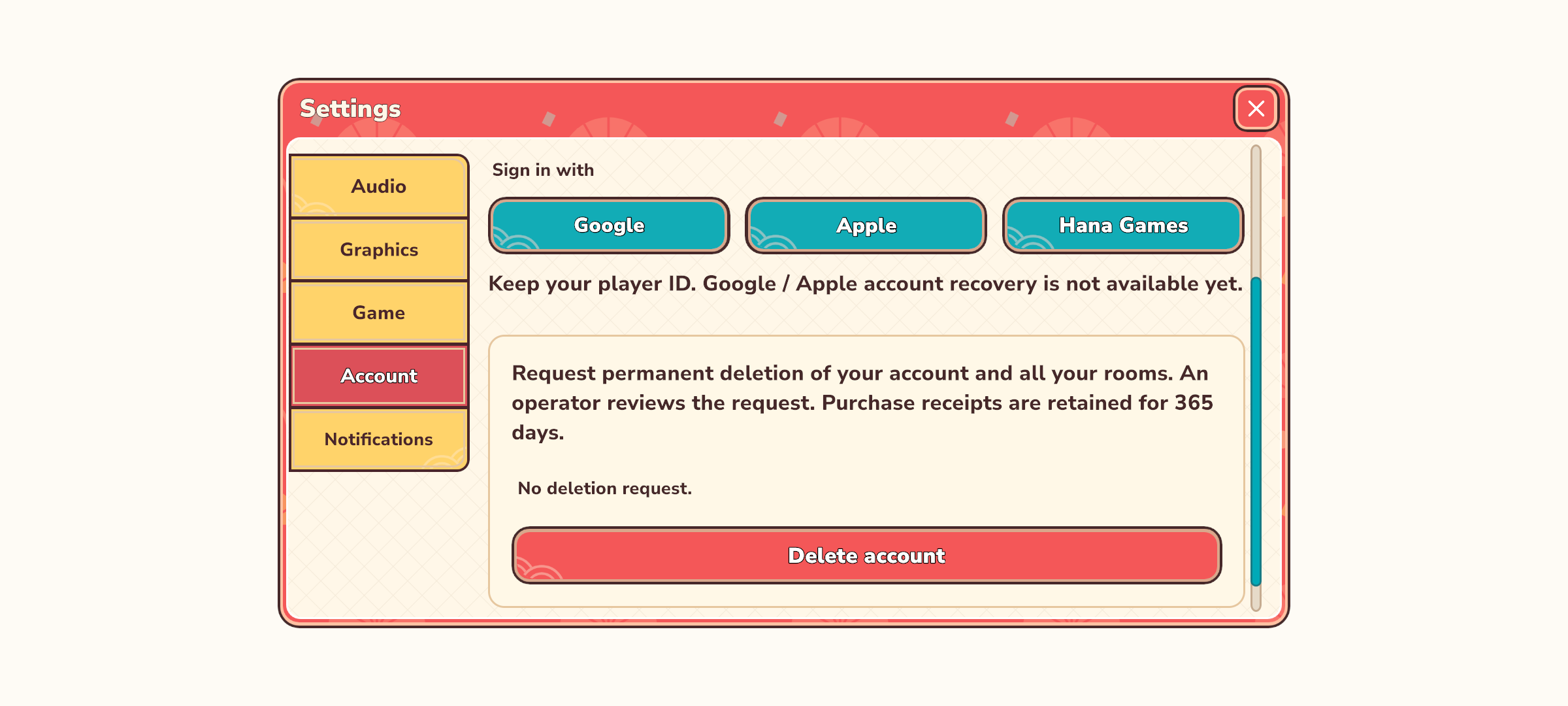
Read the warning
Tap Delete account. Read the warning about losing your account and associated game progress before continuing.
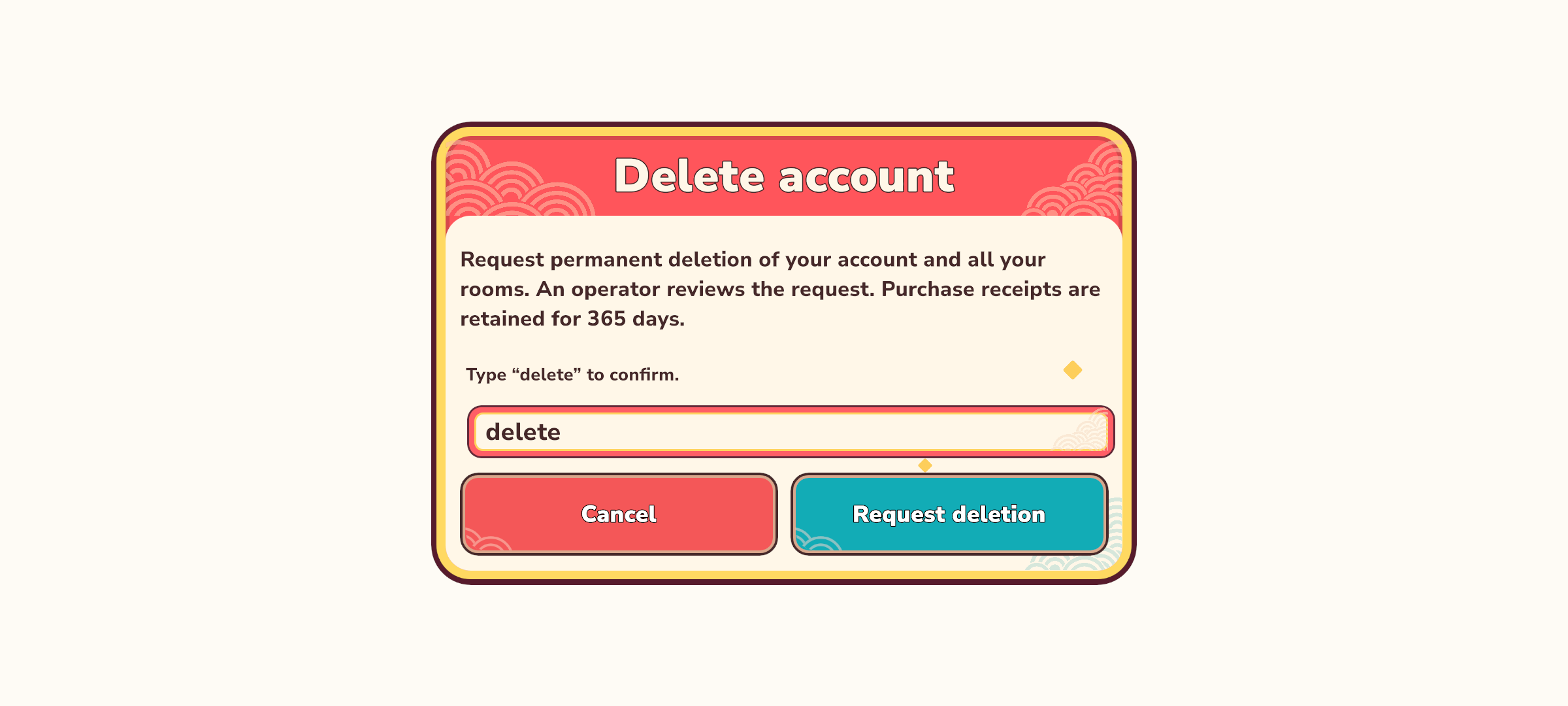
Confirm your choice
Enter exactly the confirmation word shown in the window, then press the confirmation button. Cancel if you want to keep your account.
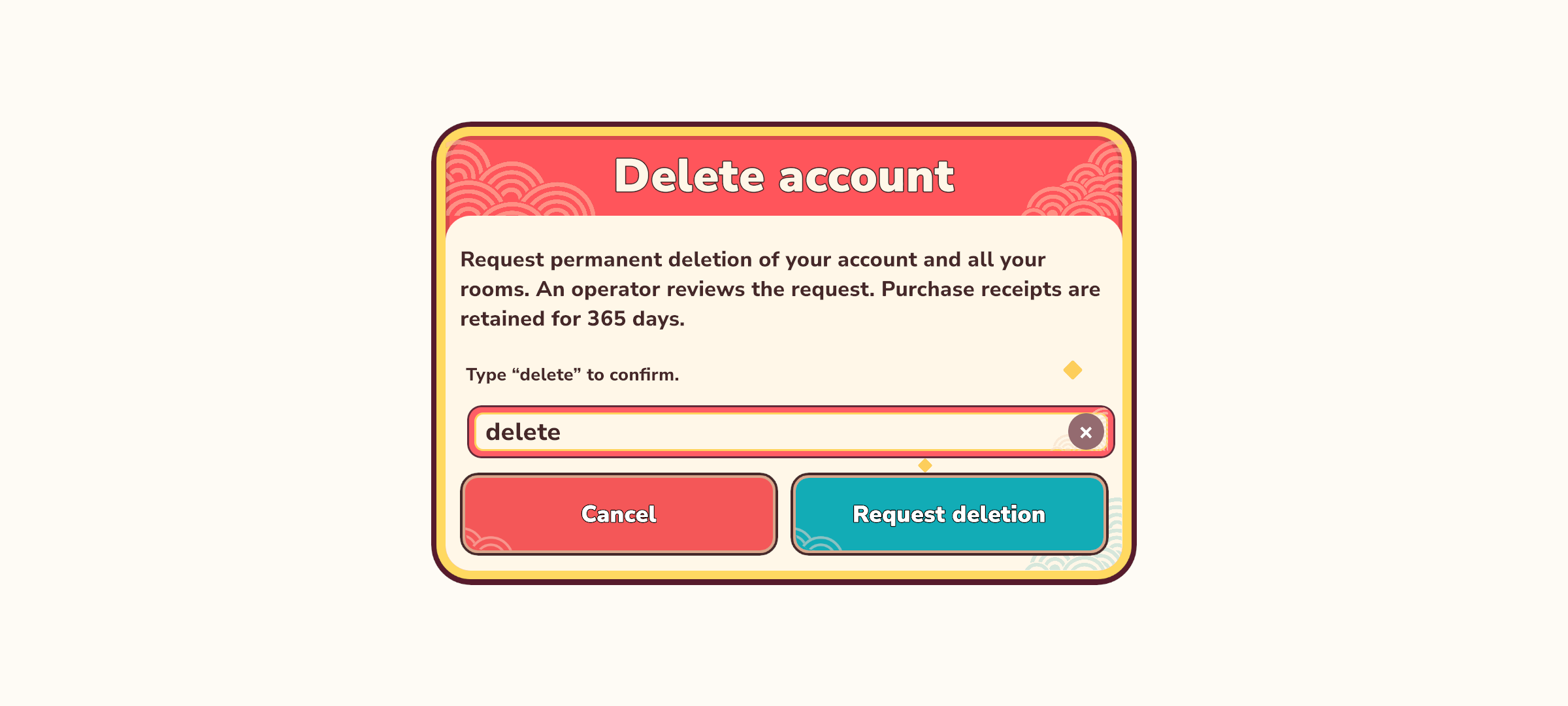
Check the request status
Wait for the window to close and the account section to show that deletion was requested. If an error appears, the request is not confirmed; reconnect and try again.


Delete your data
Follow the steps inside Arcade Tycoon: World Tour to request deletion of your game account and its associated personal data.